Sep 4, 2026
How Sensor Placement Impacts Simulator Accuracy
Sports simulator technology depends on accurate data collection to create realistic results. Cameras and tracking components need clear views of the playing area so that the software can interpret each swing, kick, throw, or shot consistently. The quality of the equipment matters, but the room layout and installation also influence how effectively that equipment performs.
A carefully planned setup helps the tracking system capture movement without unnecessary interference from room features or other obstacles. Proper alignment also supports consistent readings during training sessions and recreational play. For residential owners and commercial operators, attention to camera positioning can protect the performance of the entire simulator.
Sensor Placement Supports Accurate Tracking
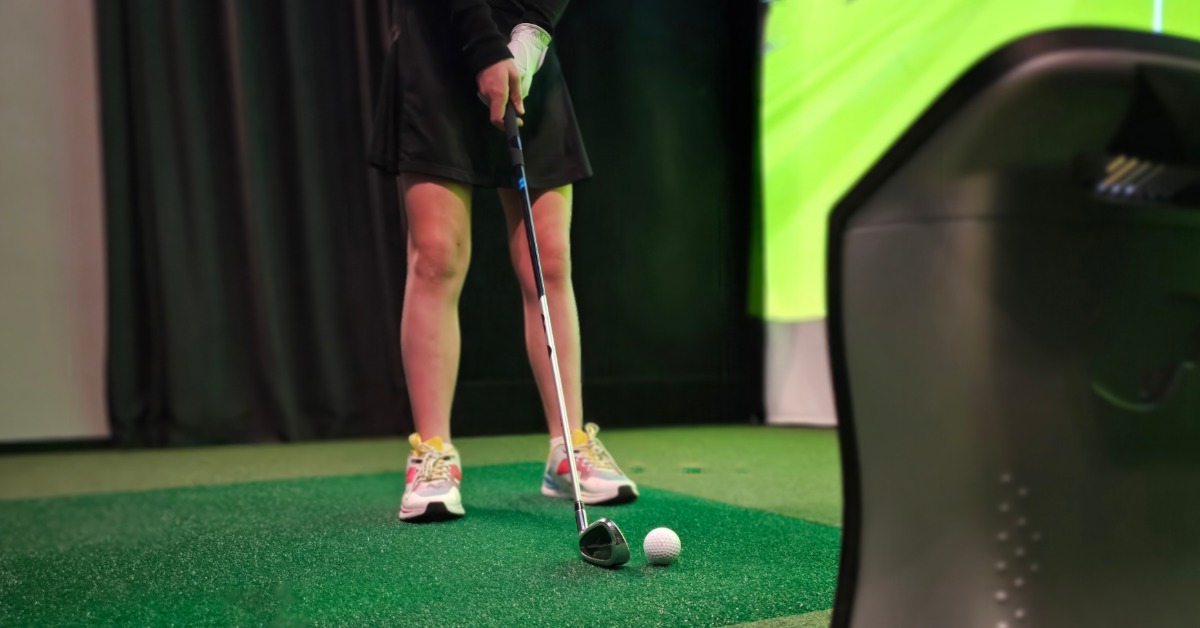
Sports simulators collect information about player movement and equipment interaction before translating that information into an on-screen result. Cameras need enough visual coverage to follow the actions that matter for each sport. When the room supports those tracking requirements, the simulator can process cleaner and more consistent information.
That relationship explains how sensor placement impacts simulator accuracy during everyday use. Proper positioning helps cameras maintain useful coverage of the hitting zone and player movement, while poor alignment or physical obstructions can interfere with the system’s ability to capture that activity. HD SportSuite also identifies sensor calibration and alignment as important factors in simulator accuracy.
Clear Sightlines Help Cameras Track Movement
Furniture, structural features, sports equipment, and players can affect a camera’s view of the active area. A strong simulator layout accounts for those elements before installation so that cameras can track movement without unnecessary obstruction. Adequate room dimensions also give players enough space to move naturally while keeping their actions within the system’s tracking field.
Clear sightlines matter because the simulator needs consistent visual information from one attempt to the next. A room that forces players outside the intended tracking area can create avoidable problems with data collection. Careful placement helps keep the relevant movement within the cameras’ usable field of view.
Camera Positioning Should Match the Playing Area
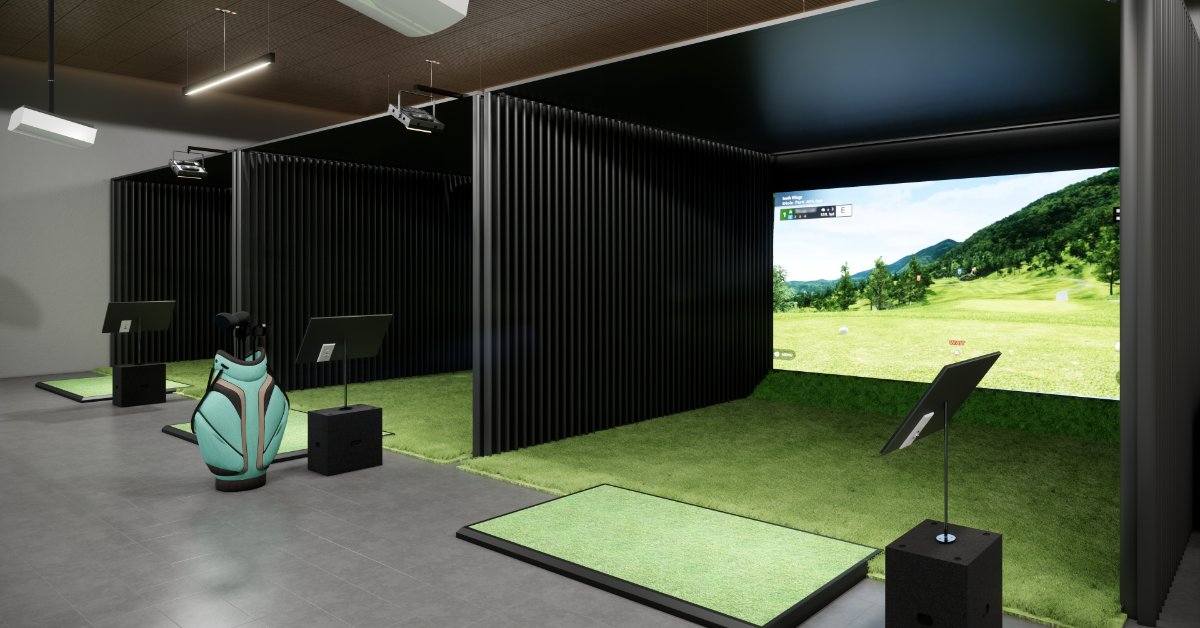
Proper camera positioning helps keep the hitting zone and player movement inside the system’s tracking area. Room dimensions, nearby obstructions, and camera alignment can all influence how effectively the system captures activity. Installers should consider those conditions as part of the overall room plan rather than treating camera placement as an isolated decision.
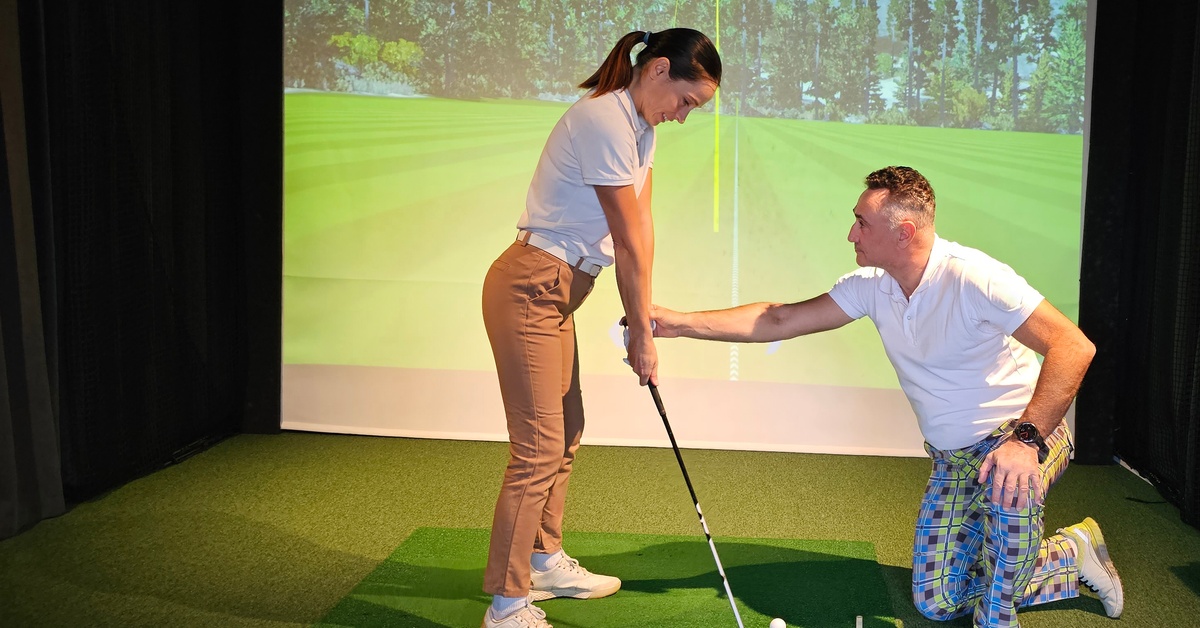
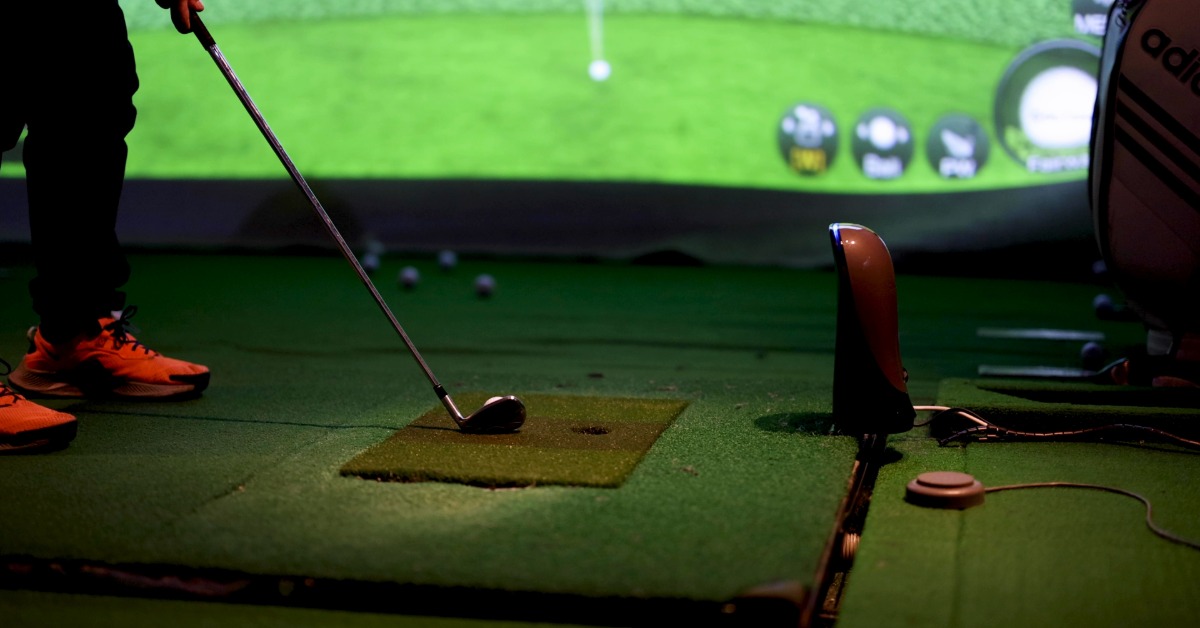
HD SportSuite uses a minimum of four cameras to analyze a golfer’s swing and collect information about performance. Its system evaluates factors such as clubhead speed, launch angle, swing path, clubface position, contact, and object speed. HD SportSuite also uses a dedicated overhead spin camera that measures spin to within plus or minus 100 rpm, while its technology measures clubface angle contact to within one-tenth of a degree.
Calibration Keeps Tracking Components Aligned
Correct placement establishes the physical foundation for tracking, while calibration helps the simulator interpret information from that setup. Cameras and related components need proper alignment so that the software can process movement accurately. Misaligned sensors can lead to inaccurate readings even when the simulator includes advanced tracking technology.
Calibration therefore plays an important role in how sensor placement impacts simulator accuracy over time. Owners should address alignment and calibration when tracking problems appear or when equipment changes affect the established setup. Consistent maintenance can help the system continue operating within its intended configuration.
Stable Equipment Supports Consistent Readings
A simulator needs consistent alignment to produce dependable tracking data. Sensor misalignment or environmental vibration can interfere with readings, which makes a stable installation important for continued performance. Secure equipment placement also reduces the chance that normal activity around the simulator will disturb the tracking setup.
Commercial environments may require extra attention because frequent use can increase the chances of accidental contact with nearby equipment. Residential spaces can face similar concerns when owners use the simulator room for multiple activities. A stable layout helps preserve the positioning that the system relies on during regular use.
Lighting Can Affect Camera Performance
Tracking cameras also depend on suitable lighting conditions. Excessive glare, inconsistent shadows, or poor lighting can interfere with camera performance and affect the information the simulator collects. Room planning should therefore consider both camera location and the surrounding light sources.
That consideration becomes especially important when installing a multi sports simulator for home, since one room may support several activities with different movement patterns. Lighting should allow cameras to track those activities without creating unnecessary reflections or dark areas across the playing space. Thoughtful room design can support the technology while also creating a more comfortable environment for players.
Different Sports Require Different Space

Different sports create different spatial and tracking requirements. Golf needs enough room for a complete swing and a properly defined hitting zone, while sports such as baseball, soccer, football, and lacrosse require enough depth to support movement tracking. A multi-sport installation should account for those differences when determining camera placement and usable playing space.
HD SportSuite offers multiple sports and games within a single simulator environment, so the room needs to accommodate more than one type of movement. A layout that works well for a golf swing must also provide enough usable space for other supported activities. Proper planning helps the tracking system cover the intended playing area without limiting how participants interact with the simulator.
Signs That Tracking Setup Needs Attention
Tracking problems often appear through repeated inconsistencies rather than a single unusual result. Before making major changes to the simulator, owners can look for patterns that suggest an alignment, calibration, or room-condition issue. Several signs can indicate that the tracking setup deserves a closer look:
- Repeated missed movements can indicate a problem with camera coverage or alignment.
- Accuracy changes after equipment adjustments can suggest that the tracking setup needs recalibration.
- Inconsistent results under certain lighting conditions can point to glare, shadows, or other visibility problems.
- Tracking issues that occur in specific areas can indicate that an obstruction interferes with camera coverage.
These symptoms do not automatically identify one specific cause. A careful review of camera alignment, room conditions, and calibration can help narrow the source of the problem. Addressing those factors first may prevent unnecessary adjustments to other parts of the simulator.
Professional Installation Helps Protect Performance
Advanced simulator hardware works best when the surrounding room supports its tracking requirements. Professional installers can evaluate dimensions, equipment clearances, camera placement, lighting, and the intended playing area before finalizing the setup. That planning helps align the technology with the way people will actually use the room.
HD SportSuite provides installation support through trained technicians who understand the system’s equipment and spatial requirements. Professional setup can prove especially valuable in commercial spaces that expect frequent use or residential installations that combine several sports. Proper installation gives the simulator a stronger foundation for consistent performance.
Build Simulator Accuracy Into the Room
Simulator accuracy starts with technology, but the surrounding environment helps that technology perform as intended. Camera placement, calibration, stable equipment, and clear tracking space all contribute to reliable data collection. Careful planning can also reduce avoidable problems that interfere with repeatable results.
HD SportSuite combines advanced computer vision with multi-sport functionality for residential and commercial environments. A room that supports the tracking system can help players receive more consistent feedback while enjoying a smoother simulator experience. Giving installation the same attention as the equipment creates a stronger foundation for long-term performance.